It is your company's winter gala. Five hundred people are on the way and the door staff are itching to start scanning the tickets guests are carrying on their phones. The venue promised strong WiFi, but the moment the whole crowd pours in and everyone pulls up their pass at once, the network buckles under the load. The line is already past the coat check, and it is obvious the welcome drinks are getting cut short.
The bartenders hit the same wall later in the night, when guests turn up with drink tickets on their phones and want something in their glass. The network is slow, dropping in and out, and it makes no difference whether they lean on the venue WiFi or 4G. The evening is heading toward stress, long lines, and a flat mood.
Good news: Melda's scanner doesn't need a constant connection
After hearing a few of these horror stories about other systems, we built Melda's scanner to pull every ticket and drink-credit record onto the device up front and keep it there — on the same phone your door staff and bartenders are already using. After that it needs no server call to confirm a ticket. When the connection comes back, it sends every scan into Melda's database on its own.
How does the data sync once you're back online?
Two mechanisms make sure every check-in reaches the server.
Automatic send on reconnect. The moment the device is back online, it sends every ticket that was scanned while the scanner had no connection.
Steady sync while online. Whenever the connection is healthy, the scanner pushes scanned tickets up continuously, so nothing sits around for long.
What happens when...
"What if two offline devices scan the same person?" Both devices show green and record the scan. The guest is checked in once, but the audit log can keep both entries for traceability. When either device gets online, the other flashes amber and shows the original check-in time.
"What if a guest cancels after the guest list was downloaded?" A guest who cancels while the devices are offline but turns up anyway will still get in. That is a deliberate choice. Melda puts guests and their experience first, and a small slip in the records matters far less than the feeling of belonging to the group that is celebrating together. The moment the devices reconnect, cancelled tickets drop off the list.
How to verify it before your event
We recommend one good dry run of handing out tickets and scanning them before the event. A ten-minute briefing with your staff gets everyone on the same page and closes the "what if" questions before the night.
- Open Melda and go to your event.
- Open the scanner in your phone browser and enter the PIN. Wait until the guest list has finished loading.
- Put the phone in airplane mode.
- Scan a test ticket. You'll see the green flash and the pending count go to 1.
- Turn off airplane mode. After a second or two the pending count is back to 0.
Want to try it on your own event? Create an event in under 2 minutes →
Real scenarios
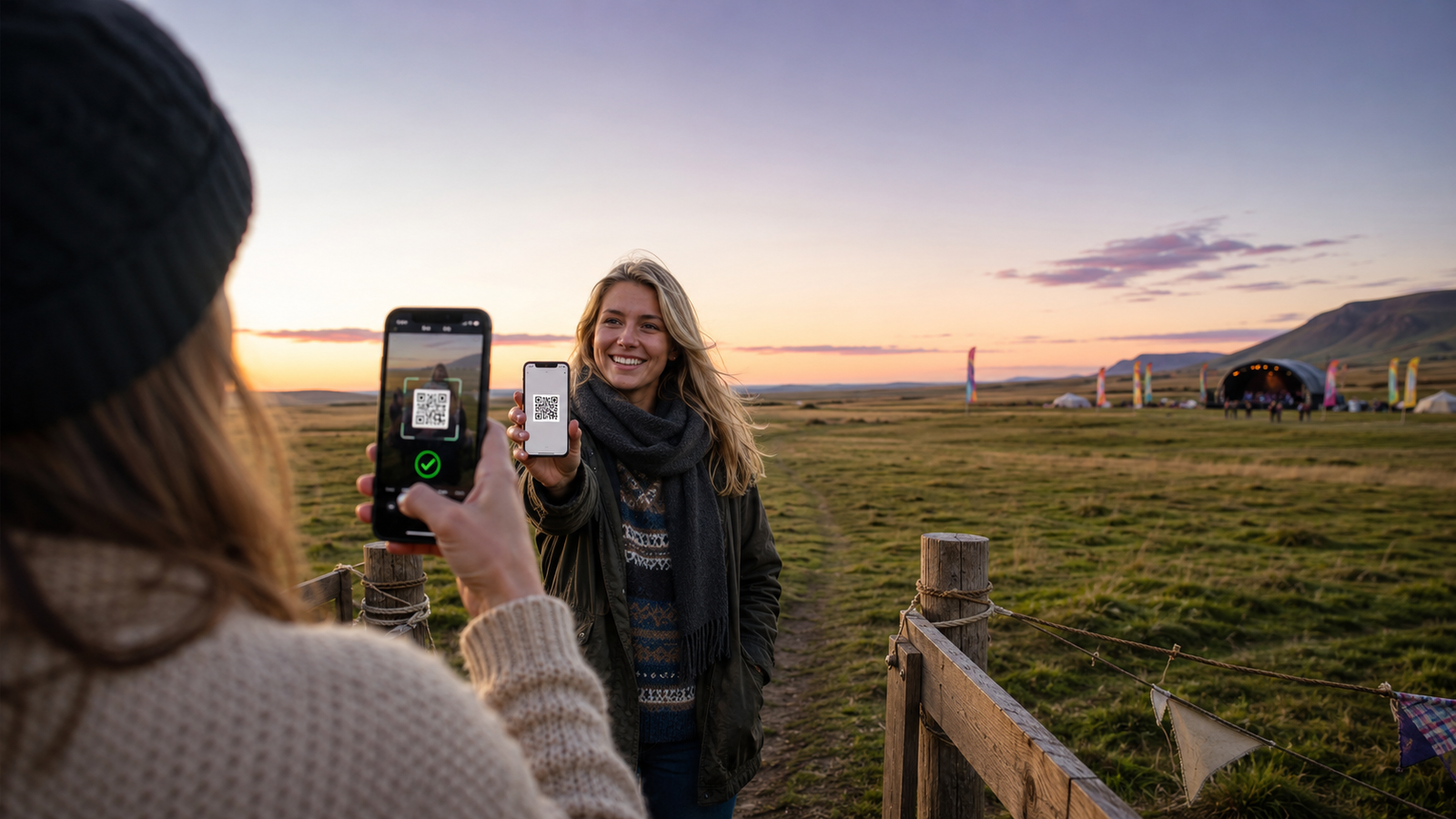
A summer party for 2,000 guests in an open field. No cell signal behind the stage tent. Three scanners, all offline. Guests stream in and check-ins stack up on each device. When the signal returns an hour later, hundreds of check-ins sync in a single batch. Every guest with a ticket got in, and a line never formed.
A conference in a basement downtown. The WiFi password doesn't work and the mobile signal dies in the stone walls. You check in 300 guests over two hours with no internet while the pending count ticks away in the corner of the screen. When you walk upstairs for coffee, the queue drains on its own, and by the time you're back down the server has every check-in.
If you are already using QR ticket scanning in Melda, offline mode is built in — there is nothing to switch on. And if you are planning your first event, start here. The scanner is included with every Melda event.