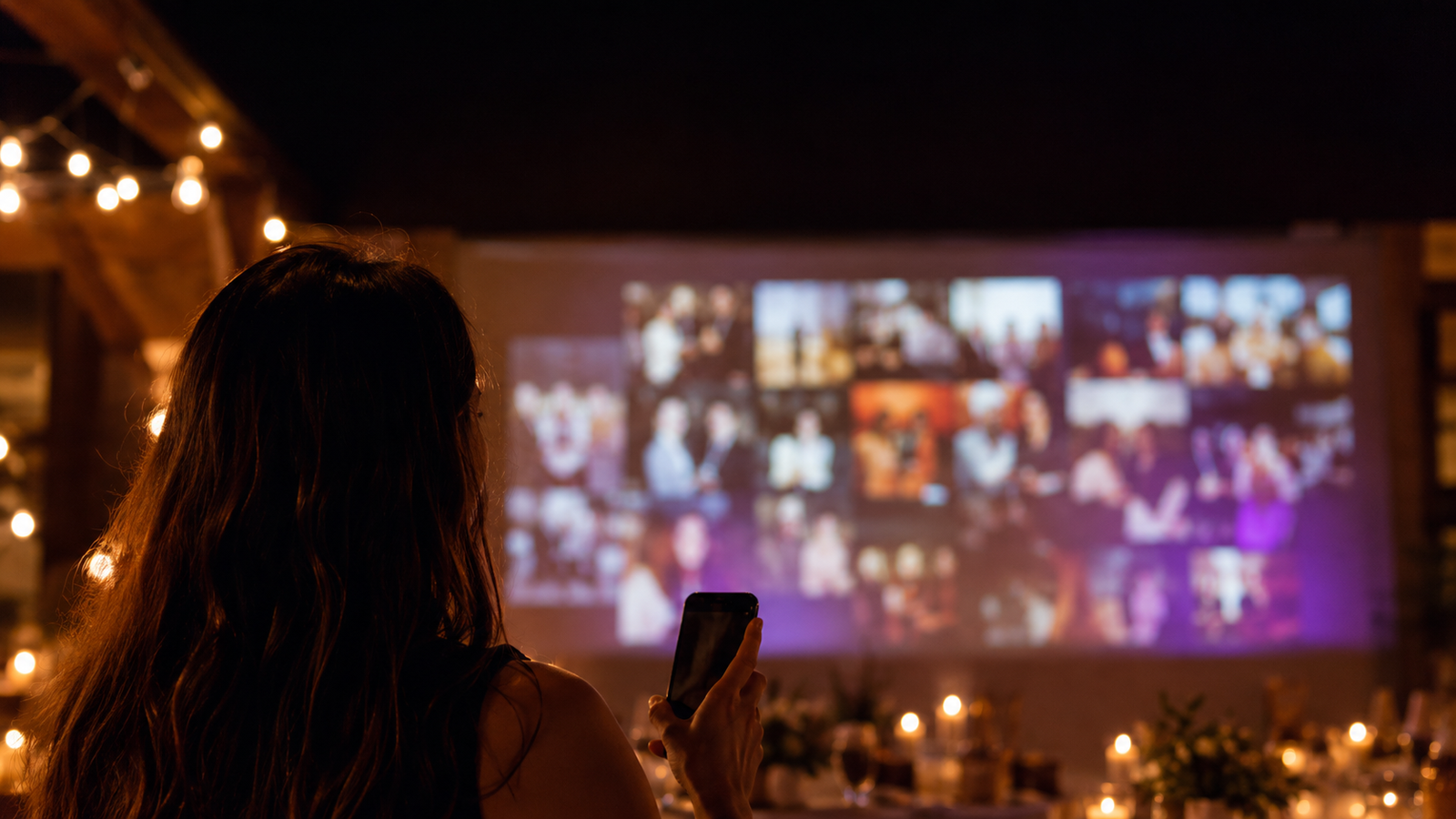
The Melda photo wall is honestly a blast. Guests can send in old favourite photos that show up on the wall as the party kicks off. Then, as the night rolls on, new ones keep landing — because guests open a QR code or a link from their own guest page and connect their camera straight to the wall! They can drop in short videos and written notes with emoji too.
The Melda photo wall gathers all those new and old moments onto one screen and keeps them rolling across it while the party is happening — a mix of the warm-up gallery and the night itself as it unfolds.
You can download every photo within 30 days
Want to keep the photos people sent in? You can download them and save them on your computer, and relive the party and its best moments for years to come.
How do you use the photo wall?
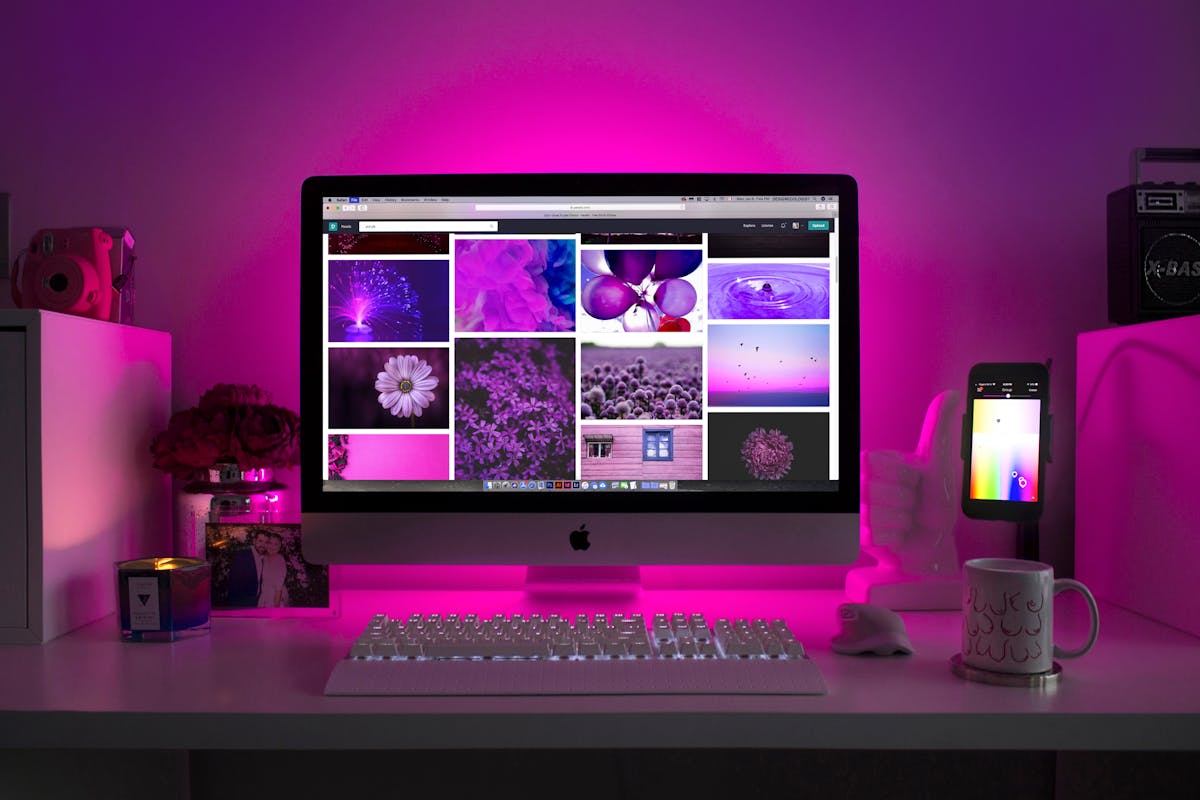
You put the photo wall up on a projector or a TV.
The wall lives on the event your guests RSVP to, so they already know there's a photo wall going all night.
Try the wall below to see exactly how it works.
The photo wall
Tap through the six looks and watch a wall fill with guests' photos.
Besta partí ársins, klárlega ✨
Takk fyrir okkur ❤️
Til hamingju! Þetta var ógleymanlegt kvöld 🎉


Anna & Gunnar
24 photos · Scan to share a photo

The wall looks best on a big screen
Photo wall
Anna & Gunnar
24 photos on the wall
Send a reaction to the wall
Add your name to send a reaction
Want this on your own event? Create an event in 2 minutes →
How it works
- A QR code, no app — guests scan the code with their phone camera and send straight from the browser. No download. Just start sharing.
- Photos, videos, and notes — guests can send photos, short videos, and written greetings, so the wall becomes a mix of moments and words. Pure good vibes.
- It appears in real time — photos fly onto the screen within seconds. Guests watch their own photos land while the party is going, which gets everyone snapping and sending more.
- Six cinematic looks — Mosaic, Spotlight, Polaroid, Film, Editorial, and Confetti. Switch the look live on the projector to match the mood: calmer over dinner, livelier once the dancing starts.
- You stay in control — photos appear automatically, and you can freeze the wall or remove anything you'd rather not show, right from the event page.
A printed QR code works great too
You can print a QR code onto little cards and set them on the tables. Pick a layout, colors, fonts, and wording, and the card updates as you go.
Try designing a card with a QR code.
Table cards
Design a QR card for your tables, then download it as an image or print a sheet to cut.
Printable QR card
Pick a look, then download a print-ready card for table tents or invitations.
Print multiple per page
Per page
An A4 sheet of QR cards to print and cut out. On a phone it downloads a PDF to print.
Layout
Colors
Theme
A ready-made background and accent pairing. You can also fine-tune each color below.
Background
Accent
Text color
How to get started
- Create an event in Melda and gather RSVPs, either with a QR code on the invitation or by importing a guest list.
- Turn on the photo wall and open it in a browser on a projector or TV.
- Point guests to the QR code. Print it for the tables, or let it show on the wall itself. Guests scan and start sending.
- Pick a look. Switch between the six looks as the mood changes through the night.
How it plays out in real life
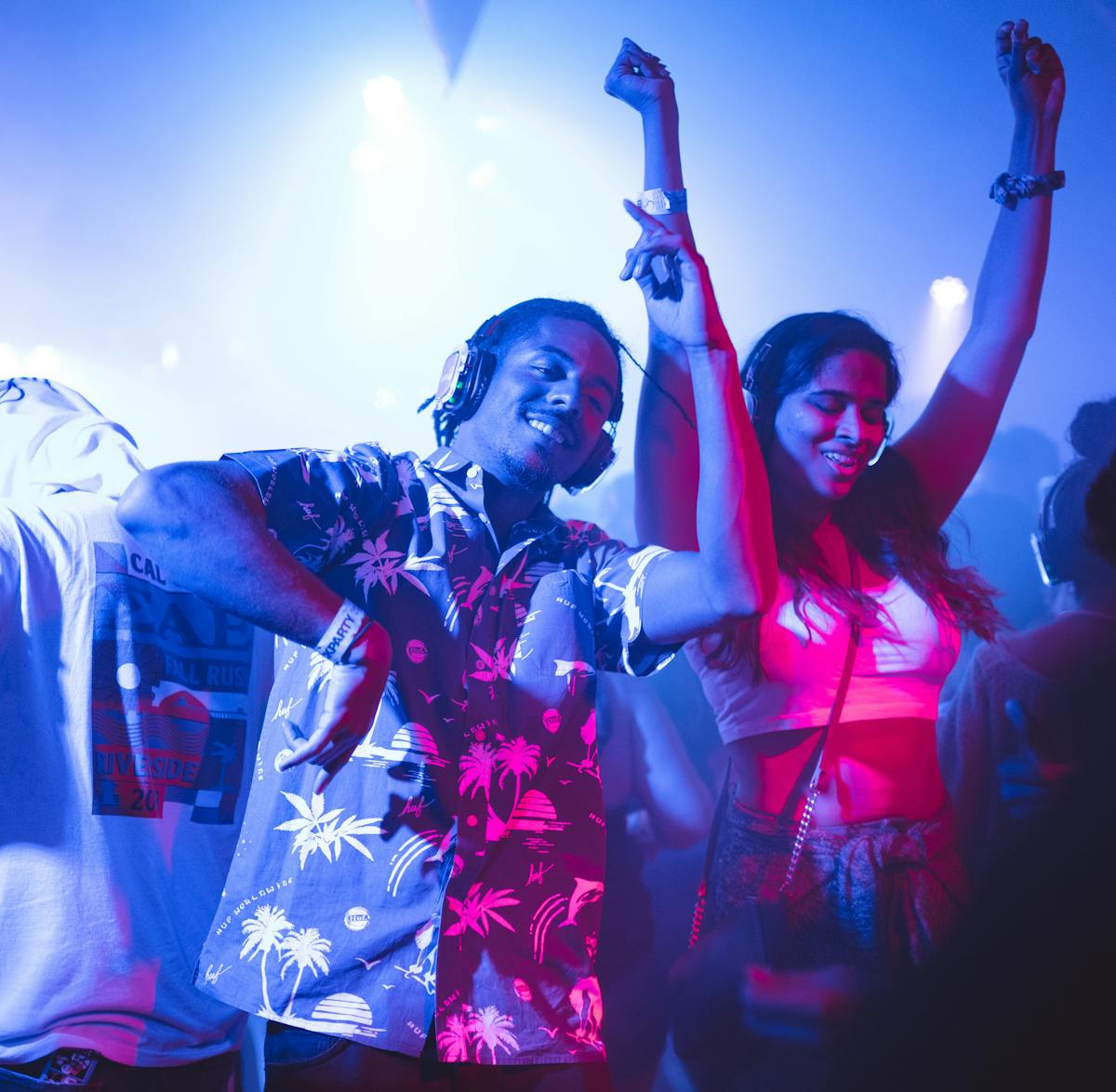
Picture a 120-guest wedding. A small card with a QR code sits on every table. Over dinner you pick a calm, polished look, and photos of guests arriving drift slowly across the screen. When the dancing starts you switch to something livelier and the wall comes alive with the mood of the room. The next morning you download every photo and video from the night in one place.
Or a 300-person staff party at Harpa. You don't want to chase photos across thirty phones, so you let the QR code do the work. The photos appear as they land while you enjoy the party, and you can still freeze the wall or pull an item from your phone if you ever need to. The wall becomes the memory of the night, made by the guests themselves.
The photo wall is included, and the free tier is genuinely generous — enough to carry a whole celebration from start to finish. We're adding paid plans for teams that want more, like extra storage and longer retention of photos and videos, but a normal party makes it all the way on the free version.
When you're ready to gather the night onto one screen, create an event in Melda and turn on the photo wall. The wall sits alongside everything else you run on the same event, like the seating chart and the collaborative party playlist.