In the run-up to an event, information has to travel both ways. Your guests need to know where and when to turn up, and you need to know who is coming. The replies are what let you order the food, plan the tables and settle the details that make the day.
But we don't all keep an eye on the same messages. Some people read email every day, others check it now and then, and plenty are on the move or at work with the inbox a long way off. For them, a text can be the easiest way to receive the invitation.
Being able to reach people by more than one route, and keeping the replies in one place, makes a real difference.
When an invitation is still waiting for a reply
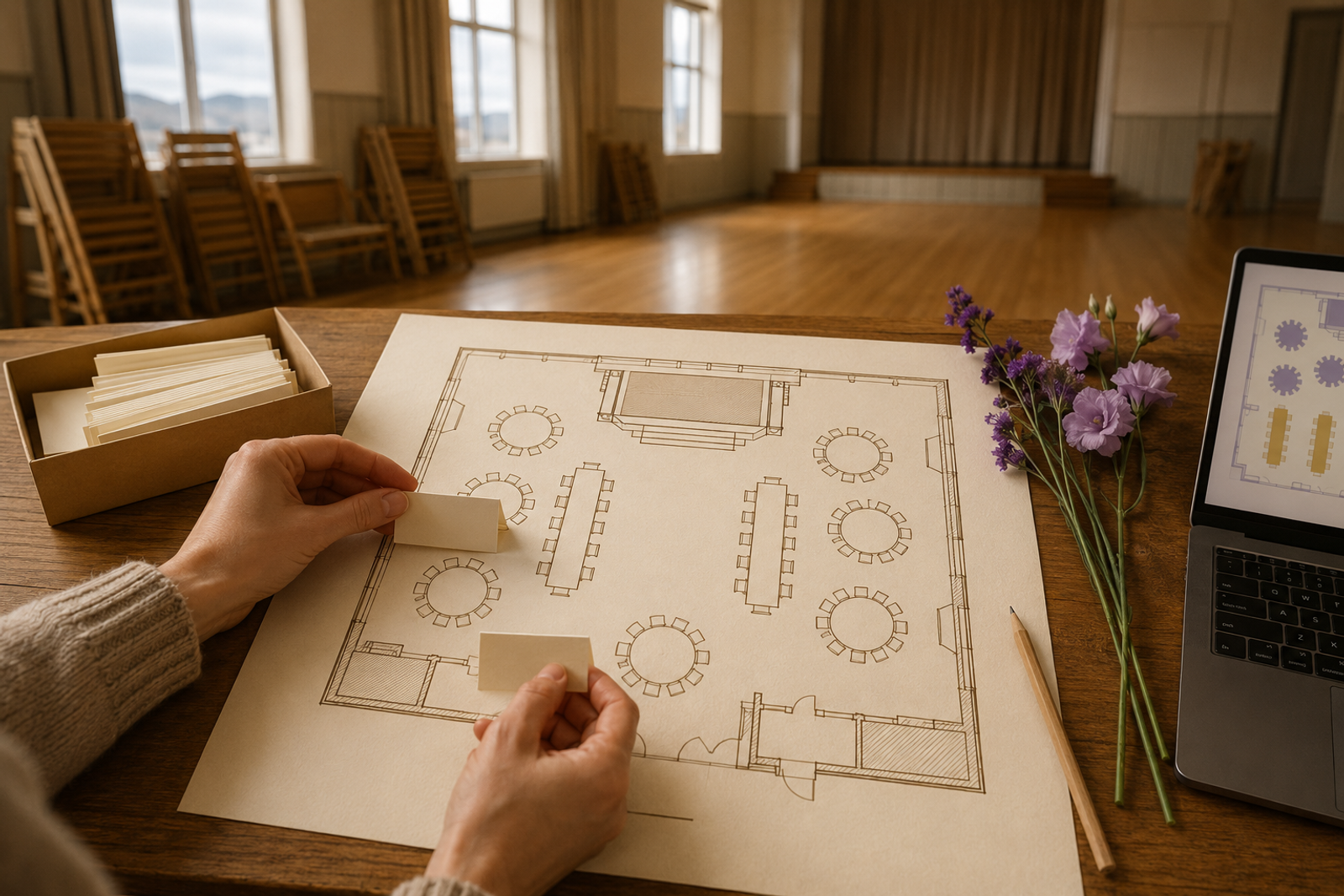
Say you're planning a confirmation party. The invitations are out and the caterer will need a final number soon. A handful of guests still haven't replied.
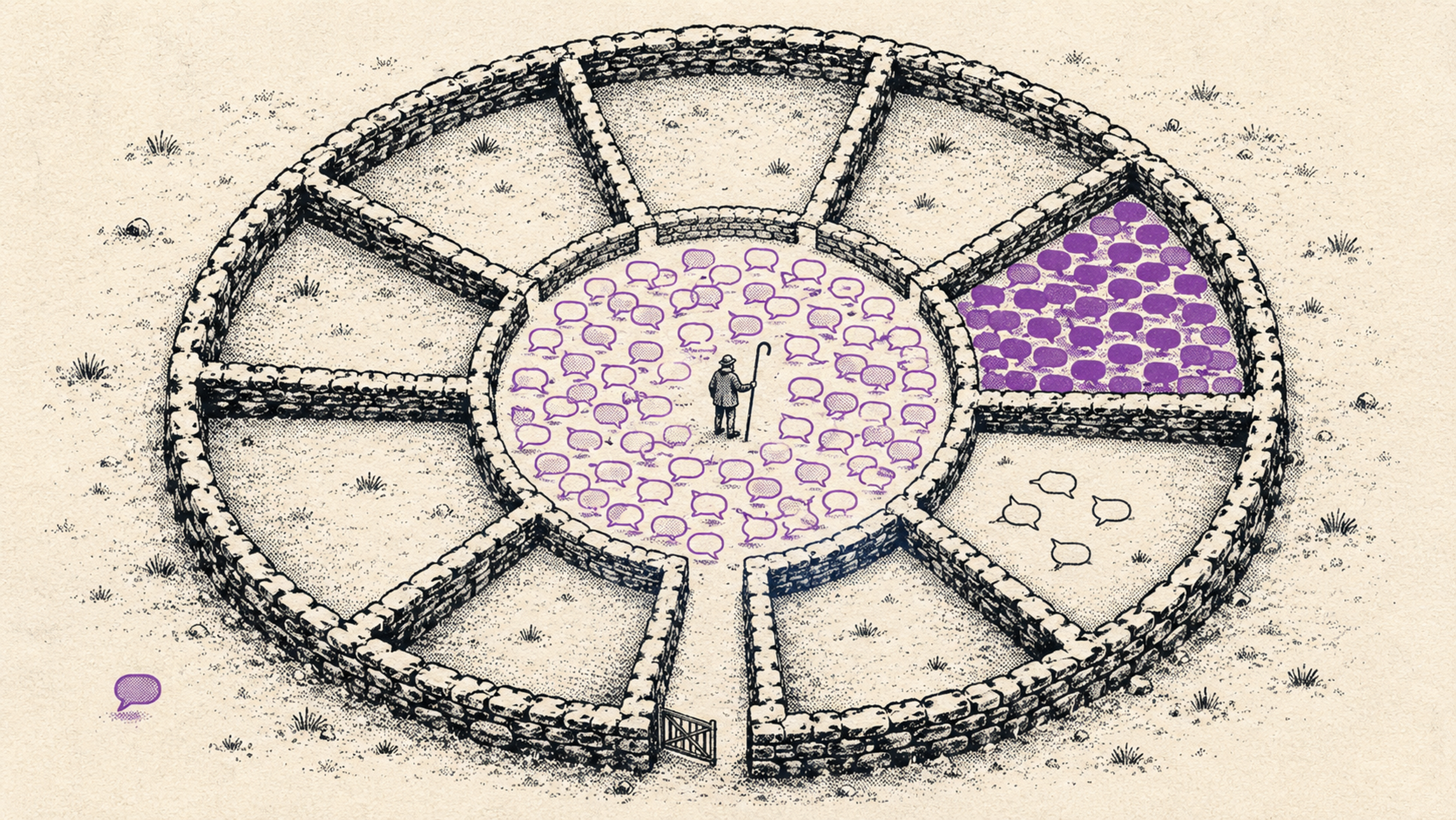
An unanswered invitation can mean many things. The guest may have missed the email, forgotten to answer, or still be checking whether the whole family can make it. You need to follow up, but you'd rather not scatter the conversation across phone calls, private messages and a few group chats you then have to reconcile.
Invitation to the phone, reply to the guest list
You send the text invitations straight from the guest list. Every guest gets a personal link to the registration page and can reply there. The answer lands on the same list as every other reply, so the bookkeeping stays in one place even though the invitations go out by different routes.
Before sending, you choose the recipients and look over the message. You pick the wording, decide whether the host's name is included, and see the estimated cost of the send in the preview.
Once it's out, you can follow the delivery status, see whether the personal link has been opened and check who still hasn't replied. That gives you a better basis for deciding who needs a nudge.
Try changing the wording and the host's name. The meter shows how the text affects credit use.
SMS invitations
Change the wording, the sender name and the simple-text setting. Watch the cost update.
The message
Now
92/160 characters · 1 credit per guest
Wording
The name is signed at the end of the message. Leave it empty to skip it. The name comes from your profile.
Create an event to send invitations and collect replies from your own guests.
Follow-up that stays with the event
Texts are useful after the first invitations have gone out too. In Melda you can:
- Remind guests who haven't replied. Once at least two days have passed since a text invitation, you can send one RSVP reminder to a guest who hasn't registered.
- Confirm an RSVP. When a guest registers, they get a text with a link to their own page, if you have confirmations switched on.
- Point guests to a new post. When you publish an update on the event page, a text can send guests to it.
- Remind guests about the event itself. You can switch on an automatic reminder that goes out a day before the event to registered guests who said they're coming.
You choose which automatic notifications are on. They go to guests with a phone number on file who have opted in to texts, and there have to be enough credits to cover the send. The invitations themselves go out when you decide.
You can see what the messages cost
SMS credits are bought for the event. A message can cost more than one credit depending on its length and the characters it uses. Invitations to forty guests, for example, use eighty credits if each invitation is two credits.
Use the preview to size up your text, and budget for the confirmations, reminders and any notifications you plan to send later. The Simple text setting can lower credit use by swapping characters, for instance á to a and þ to th. You can see what it does to the text in the preview.
From invitation to a clearer headcount
Start by opening SMS notifications on the event overview, switching on SMS and choosing which notifications should be active. Add phone numbers, buy credits, and review the recipients and the message before you send the invitations.
For the confirmation party, that's how you reach the relative who rarely checks email, get their reply onto the guest list and carry on with the planning. The same route works for company events when you need to reach people who work different shifts or are seldom at a computer.
The invitation goes to the phone, the reply goes to the guest list. You spend less time gathering answers and get a better view of the people you're inviting.