You send out the invites, and within an hour the questions start pouring in. "Is there free parking near the venue?" by text. "Is it okay to bring the kids?" on Instagram. "When do you reckon the party wraps up? I've got a football tournament at 4." by email. "Is it okay if my daughter's friend tags along?" You answer the same questions over and over, across four different apps, and you lose track of the whole thing.
The frustrating part is that you know full well what people are going to ask, and a big part of being a good host is telling your guests as much as you can.
Melda now has FAQ fields
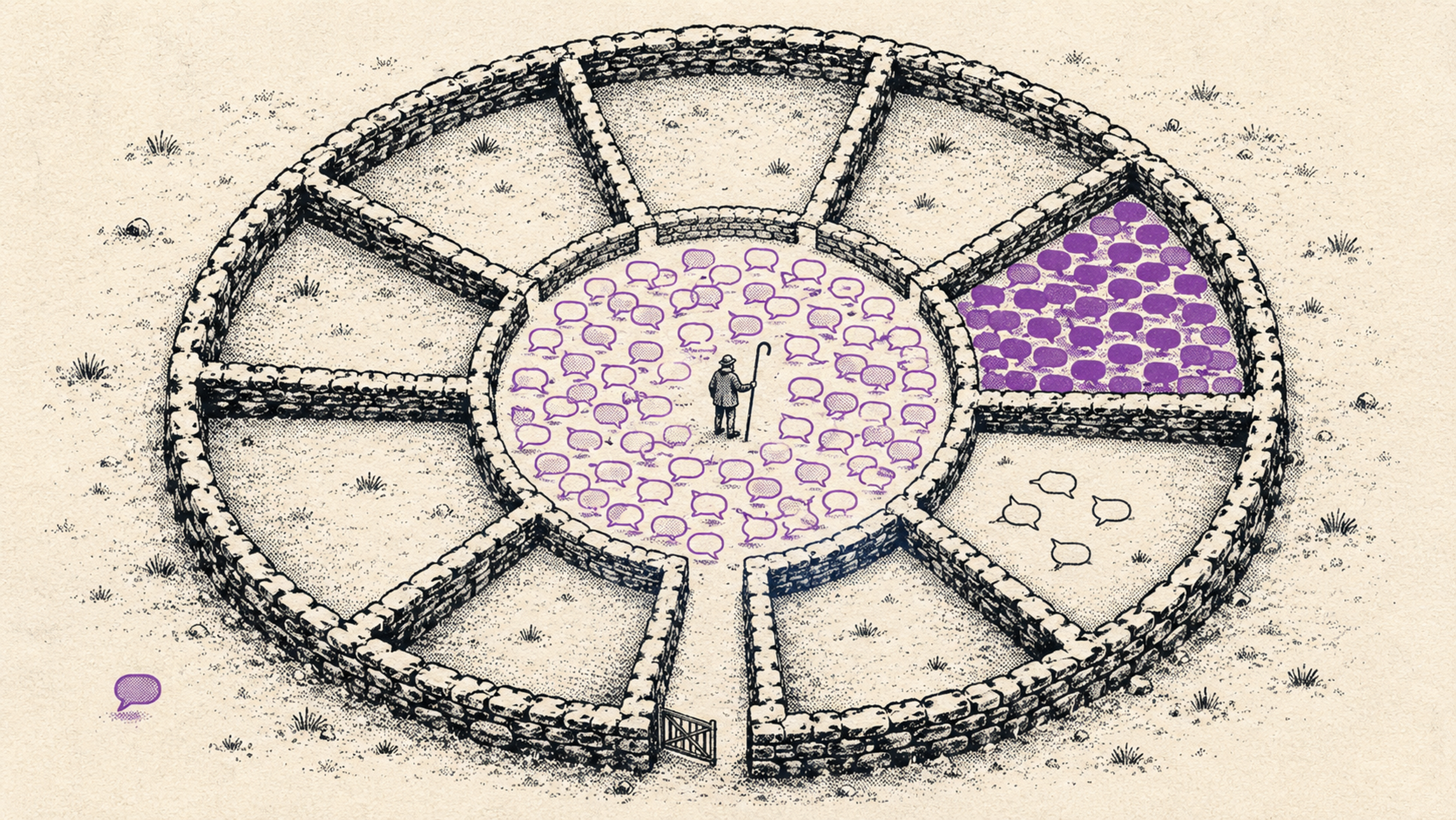
You can now set up answers to the questions you know are coming. You write the question and the answer, and it shows up right on the guest page, where guests always have access to it. Instead of chasing replies across your inbox, guests see the answers straight away, on their own time, before they even ask.
How does the FAQ work?
- Answers where guests already are. Every question appears on your event's guest page, in a tidy list that expands when a guest taps it.
- The important things first. Drag the questions around and put the important ones at the top. Accommodation details first, dress code next, then anything for the guests who want to make a speech or put on a performance.
- You can write rich answers. An answer isn't just one line. You can drop in a link to a map, bold what matters, and write as long an answer as you need.
Examples of good questions
You know your own guests, but here are the ones that come up almost every time:
- "Is there parking?" "Yes, free parking behind the building. If it fills up, there's free parking at the school down the road."
- "Can I bring the kids?" "Absolutely. There's a kids' corner with toys, and the ground floor is all step-free."
- "Is there a dress code?" "Smart but relaxed. You don't need a suit, but maybe skip the shorts."
- "What time does it end?" "The programme wraps up around 11pm, but the bar is open until midnight and we plan to dance into the night."
- "Is there a vegetarian option?" "Yes, we've got a vegetarian choice. Let us know at RSVP if that's you."
How to get started
- Open your event in Melda or create a new one.
- Open the FAQ section on the event page and click "Add question".
- Write the question and answer and choose whether it should also appear on the RSVP page.
- Drag to reorder the questions into whatever order feels right.
It takes a few minutes and saves you twenty messages. Create an event in Melda in two minutes, fill in the questions you already know people will ask, and get back to what actually matters.
The FAQ is part of the same toolkit as your guest list and event management in Melda: everything guests need to know in one place, and you off the hook for repeating yourself.
If you have any questions, we'd love to hear from you. Drop us a line at melda@melda.is.