Couples put everything they have into making the day unforgettable. The guests are the ones who can make it even more so, with speeches and performances. The toastmaster has a huge job in all of that: lining up what the guests want to do without the couple ever finding out what's coming. The unexpected moments are what turn a good evening into one nobody forgets.
But it's a hard job, and a fiddly one. How are guests supposed to reach the toastmaster, and how is the toastmaster meant to keep the order of the evening straight without the couple seeing the plan?
That's what we just shipped. Melda now walls off the toastmaster's messages and planning from the couple. No more telling your guests to phone the toastmaster to book a slot for a speech or flag a performance. Guests and toastmasters talk in Melda, and the couple hears nothing about it.
Toastmasters stay in the background and still hold every lever
The couple invites their toastmasters onto the event as organisers. They get the same access the couple has, from the guest list to the seating, but they never show up as hosts to the guests. The couple stands in the spotlight alone.
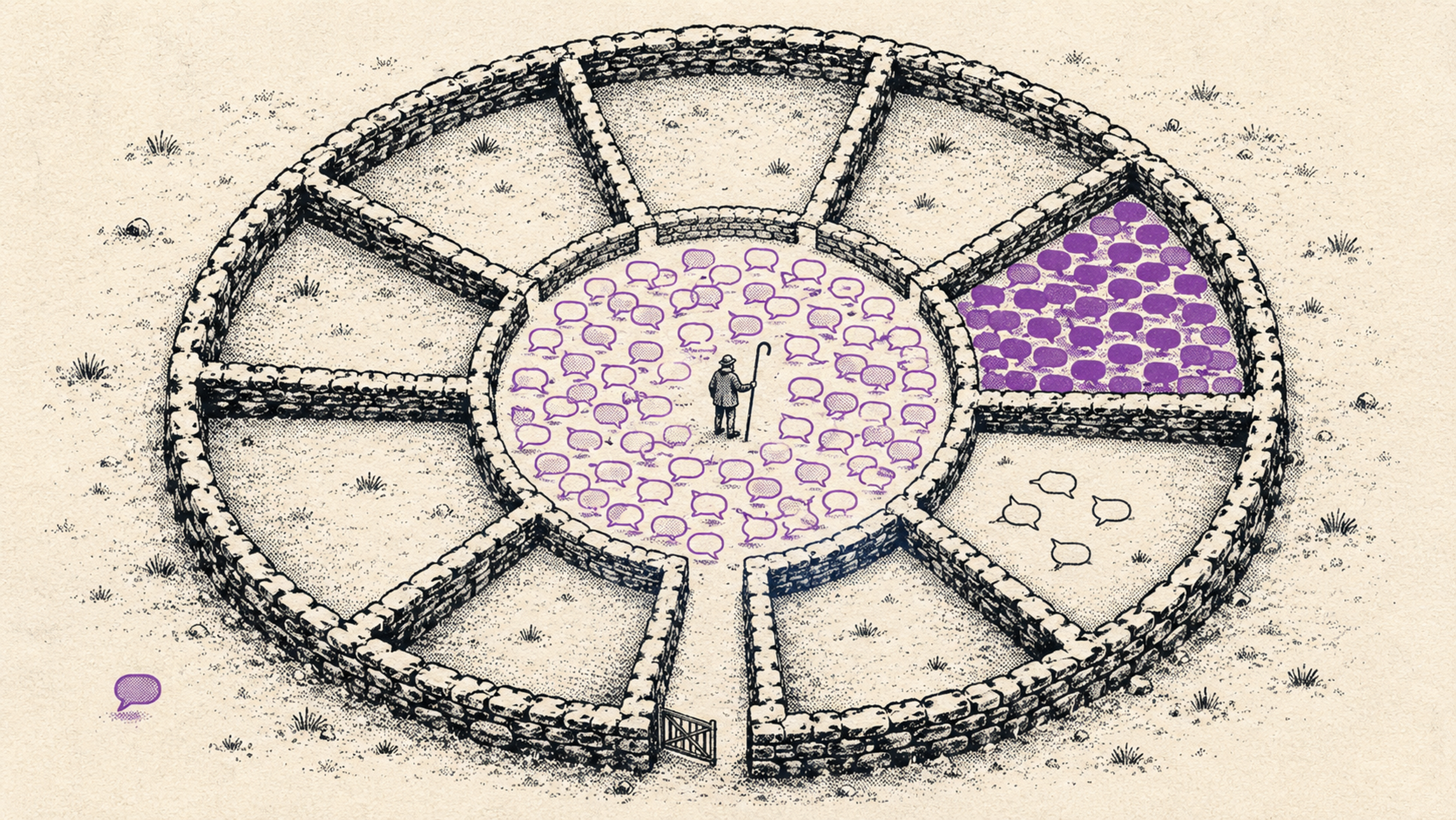
Better still: the toastmaster gets their own chat with the guests, separate from the hosts' chat. That's where guests can prepare speeches, performances and surprises without a word of it leaking to the people it's meant for. This is the heart of the role, and everything else builds on it.
What a toastmaster gets
- Full control of the event the toastmaster can edit the event and manage guests like anyone else on the team, but their name never appears anywhere guests see who's hosting.
- Their own guest chat guests message the toastmaster directly, in a thread the hosts never see. This is where the surprises get planned, so a secret stays a secret all the way to the party.
- A toastmaster's run-of-show the inside timeline of the evening: what happens, who's on and when. It's hidden from the hosts, and the toastmaster picks which items to share with them, one at a time with "Show hosts".
- A link that opens on a phone the run-of-show opens through a link with no login, easy to keep in hand during the party. Nobody has to fumble with signing in while the pressure is on.
- A card on the RSVP page guests see the toastmasters on their own RSVP page and can message them in one tap, whether it's an idea for a moment or a question that doesn't need to go to the couple.
- They keep the feed alive toastmasters can post to the event feed like hosts, and they're usually the most active at it. Reminders, warm-ups and the buzz before the night, all labelled "Toastmaster".
How do you make your best friend a toastmaster?
- Open the team on your event and hit "Invite to the team".
- Choose the Toastmaster role and enter their email. The invite that lands explains the role: their own guest chat and the tools for the run-of-show.
- Let the toastmaster take over. The moment they accept, they get their own chat with the guests and access to the toastmaster's run-of-show.
What does this change about your party?
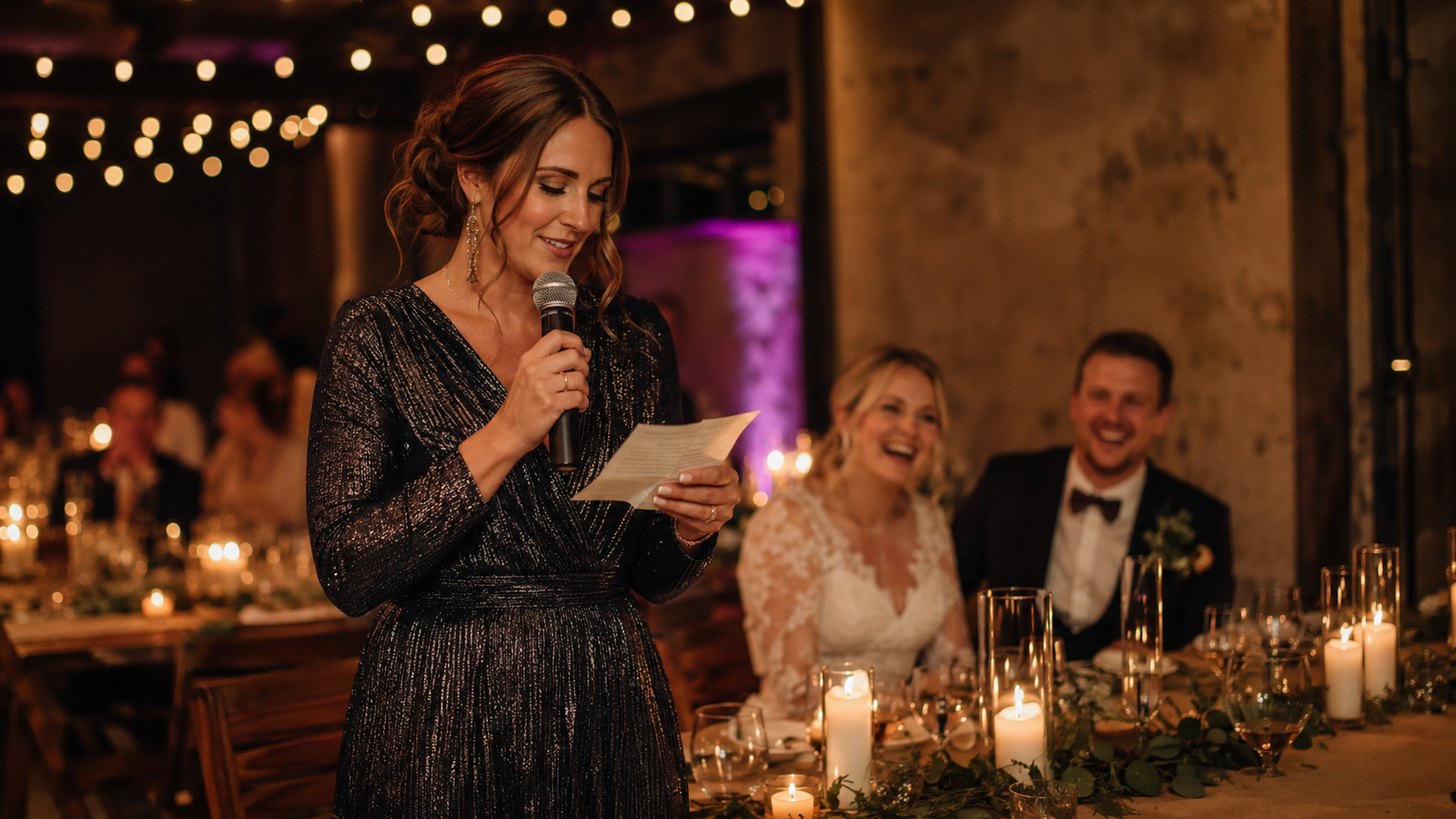
Picture a 200-guest wedding where the bride's sister is the toastmaster. In the weeks before, she talks to the cousins about a secret act, gets a few guests to record greetings, and lines it all up in the run-of-show: the best man's speech at nine, the secret choir at half past, the video just before dessert. The couple sees none of it. All they know is that the toastmaster has it handled and is holding every thread. When the night comes, the sister opens the run-of-show on her phone and follows it item by item, while the couple gets to be as surprised as the guests.
The same holds for any celebration. A milestone birthday where the kids plan a moment for the parent. A company party where the committee wants the boss kept in the dark. Anywhere someone is meant to be surprised, someone else has to hold the thread, and now that someone has the right tool for it.
Toastmasters sit alongside everything else you run on the same event, from co-hosts and team roles to the live photo wall. When you want someone else to hold the surprises, create an event in Melda and invite a toastmaster to the team. It takes two minutes.