You're planning a big staff party. You close your eyes and picture it. You'll need to book flights for the team up north in Akureyri and out east in Egilsstaðir — right? But what if one of them is already in Reykjavík that weekend? Do you book a flight anyway? And wait — they need to get home again too. Will they even want to? What about their partner? It's an endless tangle.
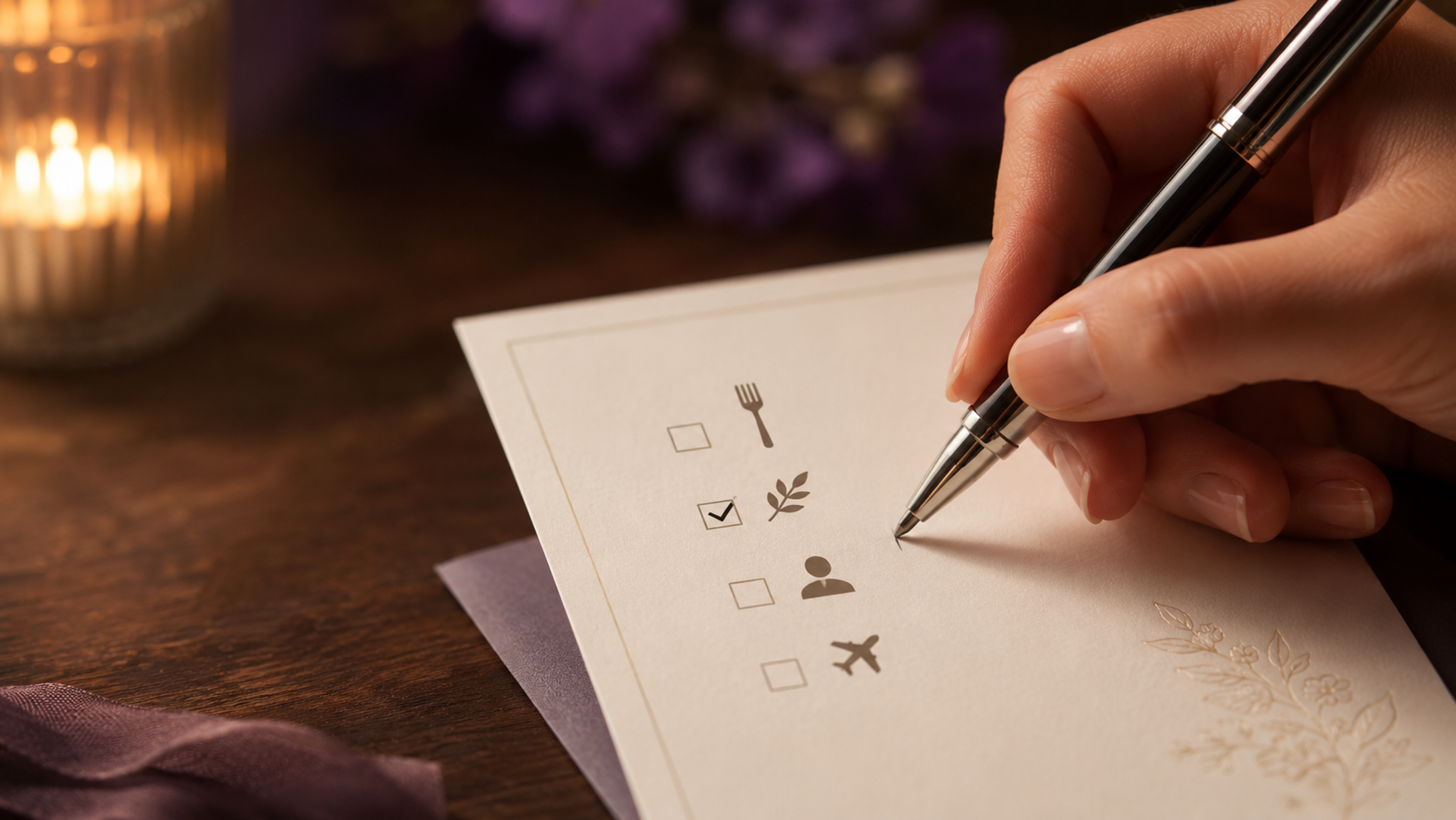
That's why "I'm coming" or "I'm not coming" isn't a good enough answer. Planning to serve meat, fish and a vegetarian option? Then you need to know who wants what. These are the basics of running a tight event — and they never surface unless you ask.
Until now, people have gathered this after the fact: emailing Excel files back and forth, making phone calls, chasing answers down in their inbox. In Melda it's part of the process itself. You set up what you need to know in your event settings, and guests answer the moment they RSVP.
Make your questions conditional
You can build a chain of questions where one answer opens up the next. When a guest answers "Yes" to "Do you need a flight?", fields for the arrival day and flight number appear automatically. Answer "No" and they never see a single flight-related question. Try it for yourself in the demo below.
Try it — answer "Do you need a flight?" and see what happens.
Custom questions
Answer questions and watch conditional follow-ups appear in real time.
A few questions
Want to set up your own questions? Create an event in 2 minutes →
How it works
- Seven question types — short text, long text, number, yes/no, single-select dropdown, multi-select, and a checkbox. Pick the type that fits the question.
- Conditional questions — if a guest answers X, question Y appears. It works across multiple levels, so you can build question chains that adapt to each guest's answers automatically.
- Once per registration or per guest — decide whether the question applies to the whole booking or each individual in the party. "Do you need a flight?" applies once; "T-shirt size" applies to each guest.
- Answers in your event dashboard — every response shows up right in your dashboard. Filter and search, and export to Excel when you need to share the data with catering, the staffing manager, or accounting.
How to get started
- Create an event in Melda or open one you already have.
- Open Custom Questions on the event page and click "Add question".
- Pick a type and write the question. If you want a conditional follow-up, pick the parent question and which answer should reveal it.
- Publish your RSVP page and guests will see the questions the moment they RSVP.
And that's it — create an event in Melda and set up your first questions in a few minutes.
If you have any questions, we'd love to hear from you. Drop us a line at melda@melda.is.