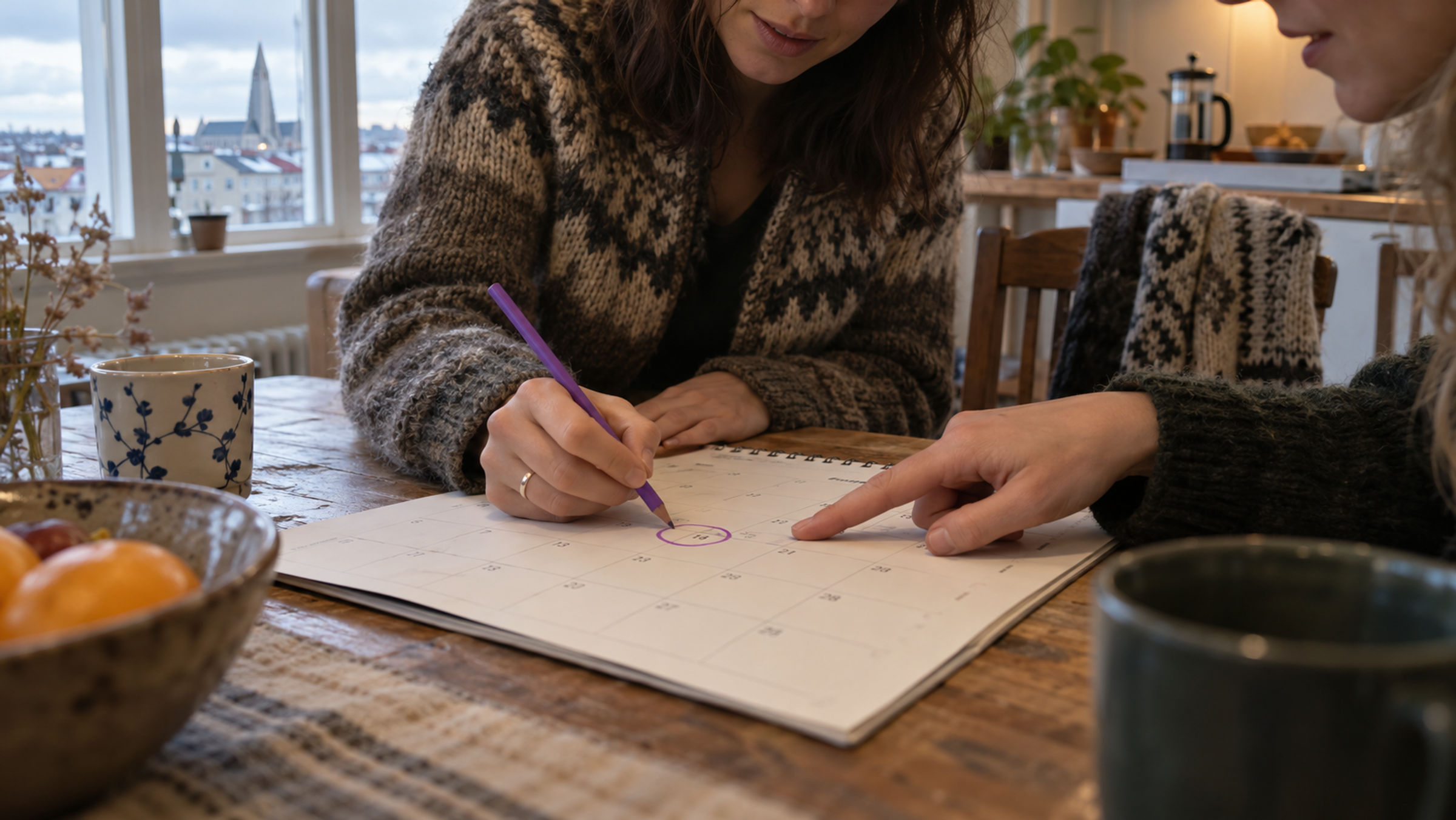
“We really have to get together soon.” “Yes, let's find a time and do something amazing.”
You hear it all over town, every day. Then the weeks turn into years, and the old group of friends still hasn't managed to get itself organised.
Nobody lacks the will to meet. Finding a day is just a bit of a hassle. The conversation gets awkward when someone can't make it, and then people start checking calendars and suggesting days nobody else can do. Whoever suggested it and offered to host loses their grip on it, and suddenly someone has to skip the class reunion because no other night could be found. Hassle.
Everyone knows computers could sort this out, and now you can send your friends a link to an event in Melda that offers a choice of a few days. You put out the invite with your suggestions, and your guests vote on a time. As the old saying goes: come one, come all whoever can.
Melda loves people. People who get together and look after their friendships, in a warm and welcoming way.
In “Find a date”, your friends tick the days they can make, and you choose the day based on that.
What suits the group?
Pizza night or a weekend at a cabin? You suggest the days and see who can make it when. Answers and comments show up as they come in. No piecing it all together from the group chat, which, btw, is also busy with local politics and everyone's mortgage rates.
Does someone need to check their shift schedule and decide later? No problem. They can answer “Maybe” and change their answer while the poll is open.
Try it below. Tick some days, choose “Maybe” and change your mind. It's only a demo. No answer is sent.
Find a date
Try marking dates and changing your choices.
Which days work for you?
The answers come along
When you pick the day, Melda creates the event. Everyone who can come is already on the guest list, and the maybes come along too. You don't have to ask everyone again.
You can also give the poll a picture. It shows with the link in the group chat and then becomes the event's picture. The name and description come along as well. Nothing needs writing twice.
The next get-together
Suggest a few days and send the link to the group chat. The poll waits at the top of “My events” while the answers come in. If the day is already settled, you can create an event directly.
Once the day is set, the guest list is already under way. All that's left is deciding what to eat.
And finally meeting up. Laughing at the same old stories and telling a few new ones.