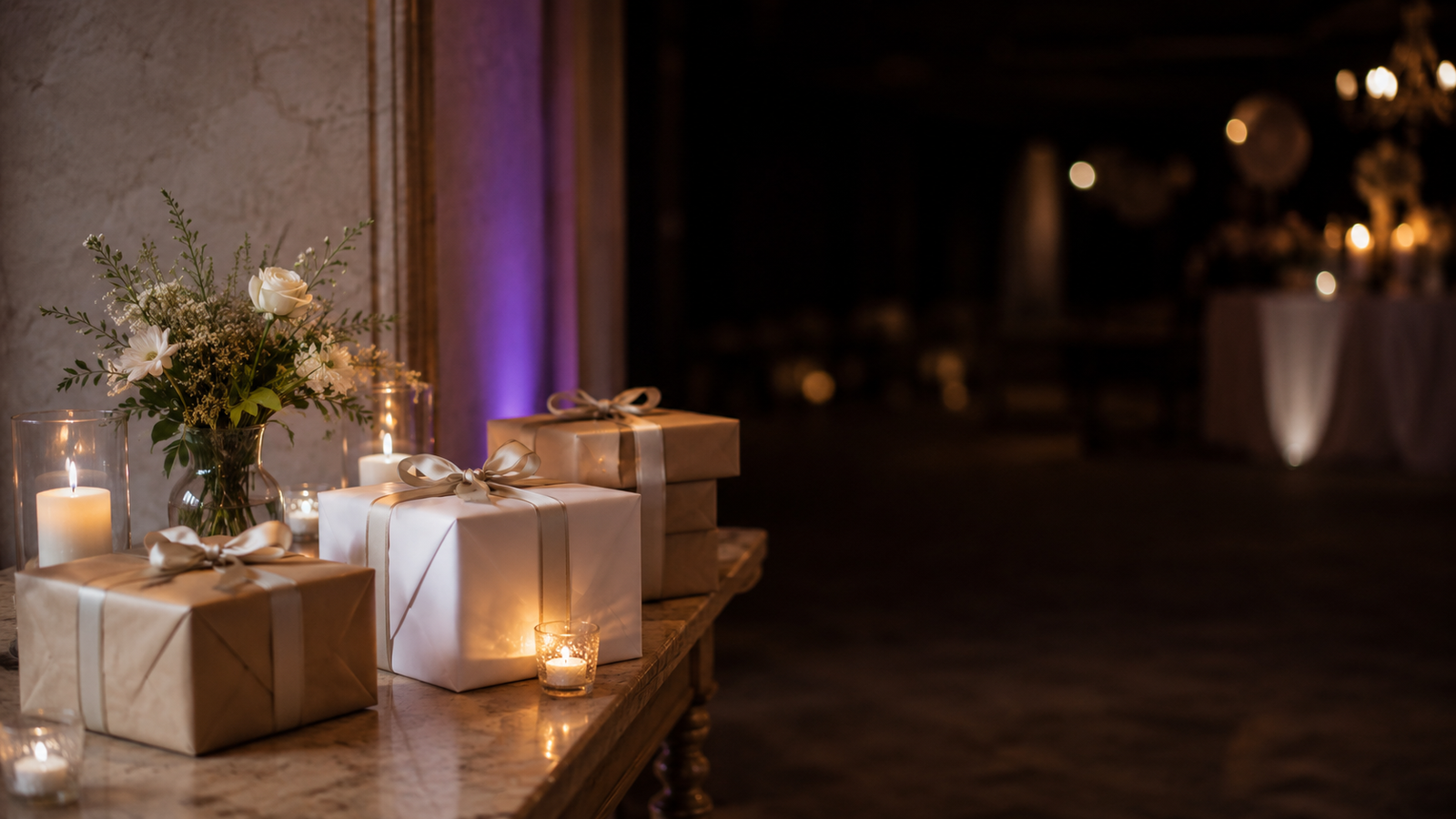
Imagine setting up a gift registry for your wedding. You go online, find something you actually want, copy the product link from the store, and paste it into your registry. Two seconds later Melda has saved the gift to the list — image, price, and a clean layout — ready for your guests to reserve.
Your guests want their gift to land. With this one simple trick you can help them do exactly that, saving everyone time and taking the stress out of choosing. They just click the link, buy the item, and have it shipped to their door.
Yes, it really is this simple
There is honestly no easier way to do this. You find products online and paste their links into your registry. Your guests take it from there — and they can chip in together when you have your eye on a pricey stand mixer or a sound system.
You can also add open-ended wishes: a painting for the living room, money toward a travel fund, a surprise hotel getaway — or anything else you fancy.
No retailer lock-in, no manual data entry. Once the list is ready, guests see a clean, beautifully laid-out list of gifts with images and prices. They click "Reserve" and the gift is marked as taken. Nobody sees who reserved it, not even the host.
Try it: reserve a gift, open one up to see it big, then change your mind and pick another
Gift registry
This is the list your guests see. Reserve a gift, open one up and change your mind.
Gift registry
6 gifts available
Reserve a gift so nobody buys it twice. The hosts can't see who reserved what.
Reserved by you1
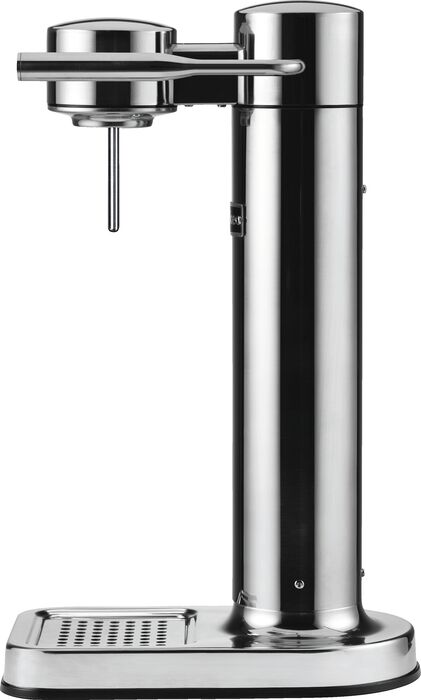
Reserved by you
Available6
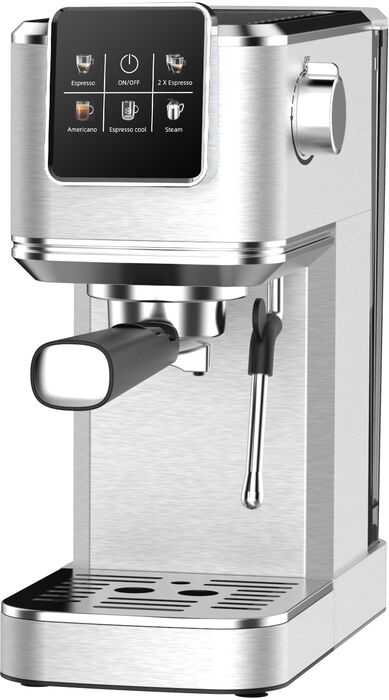
ISK 34,995 · elko.is
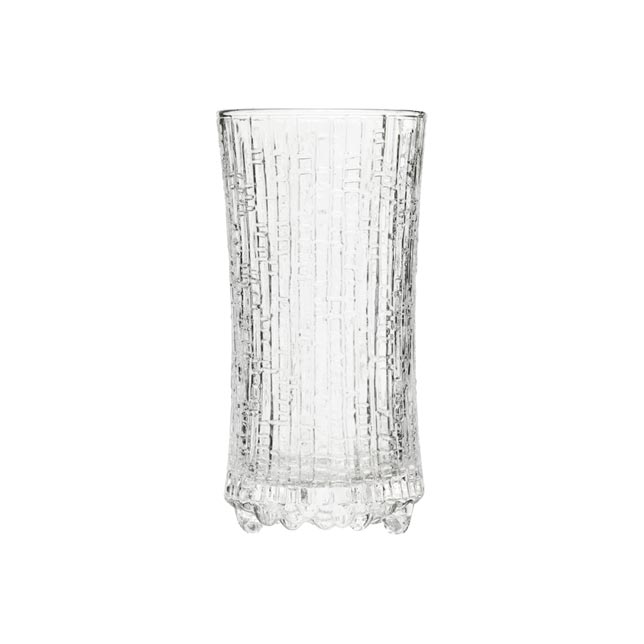
ISK 10,200 · 2 of 3 left

ISK 45,990 · elko.is
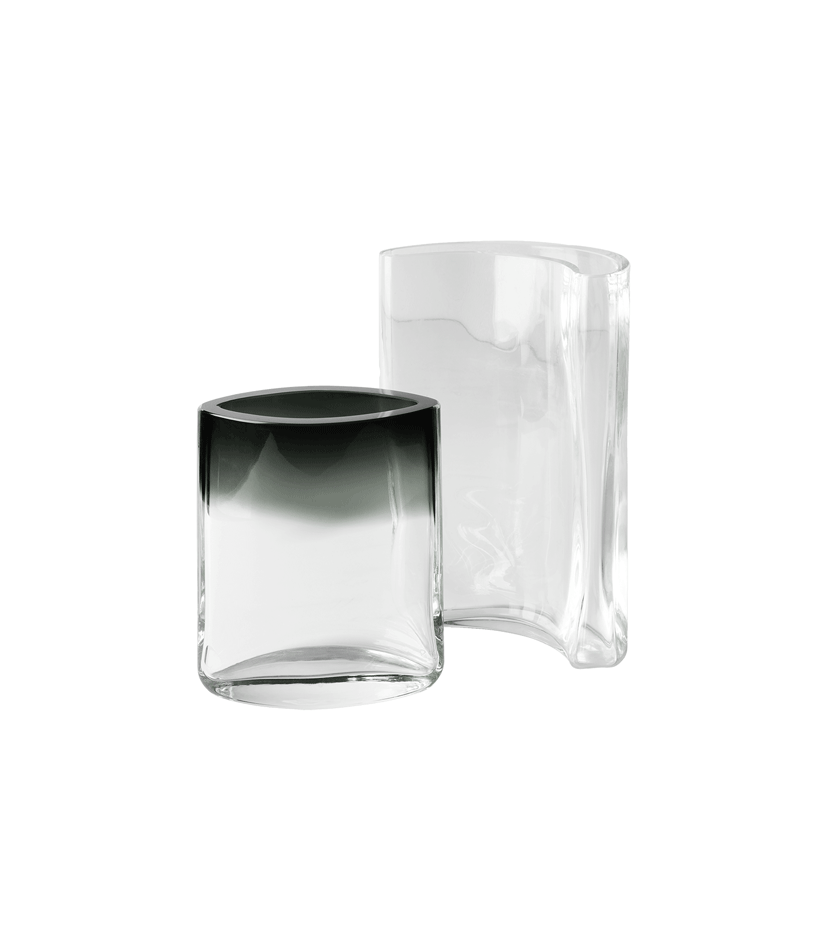
ISK 21,000 · epal.is
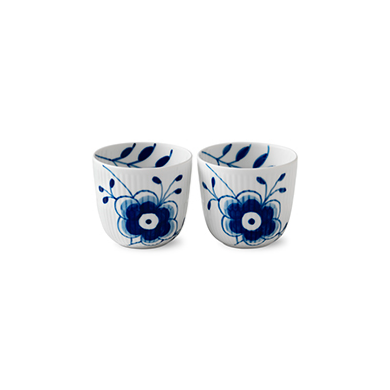
ISK 10,200 · 1 of 2 left
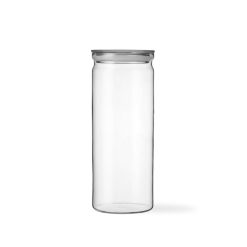
ISK 5,900 · 3 of 3 left

ISK 34,995 · elko.is
Reserved
Want to build a gift registry for your event? Create an event in 2 minutes →
How it works
- Paste a link, everything fills in. Copy a product link and paste it into Melda. AI reads the whole page. It pulls the title, main image, price, and description, and it handles any currency. If something can't be detected, you'll see an empty field to fill in yourself. Works with any online store.
- Beautiful product pages. Guests see the registry as a list with product images, prices, and status, and can open any gift to see it up close. No Excel clutter, no Google Docs. It looks like a real online store.
- One-click reserve, nobody knows. A guest clicks "Reserve" and the gift is theirs. Others see it's taken, but not by whom. Not even the host gets to know.
- Multiple of the same item. Want more than one? "5 candlesticks." Two guests reserve theirs and Melda shows "3 of 5 left".
- Drag to reorder. Most-wanted wishes at the top. Just drag them into place.
- Attendees only. Only guests who have RSVP'd yes can reserve. No outsiders can get into the registry.
- Extra details. The host can add "Shoe size 42" or "Preferably in blue".
How to get started
- Create an event in Melda and add your guests, or send them a link over your messaging app.
- Open the gift registry and paste your first product link. Watch the title, image, and price appear automatically.
- Keep pasting. Add as many gifts as you like from any store. Reorder by priority and add descriptions where helpful.
- Guests see the list on their personal guest page the moment they RSVP. They browse, reserve, and you get the gift you actually wanted.
- Already invited everyone? Build the registry and let your guests know by posting an update on the event. Every RSVP'd guest gets an email notification.
If you're ready to build a gift registry for your next event, set up your event in Melda — it takes two minutes.