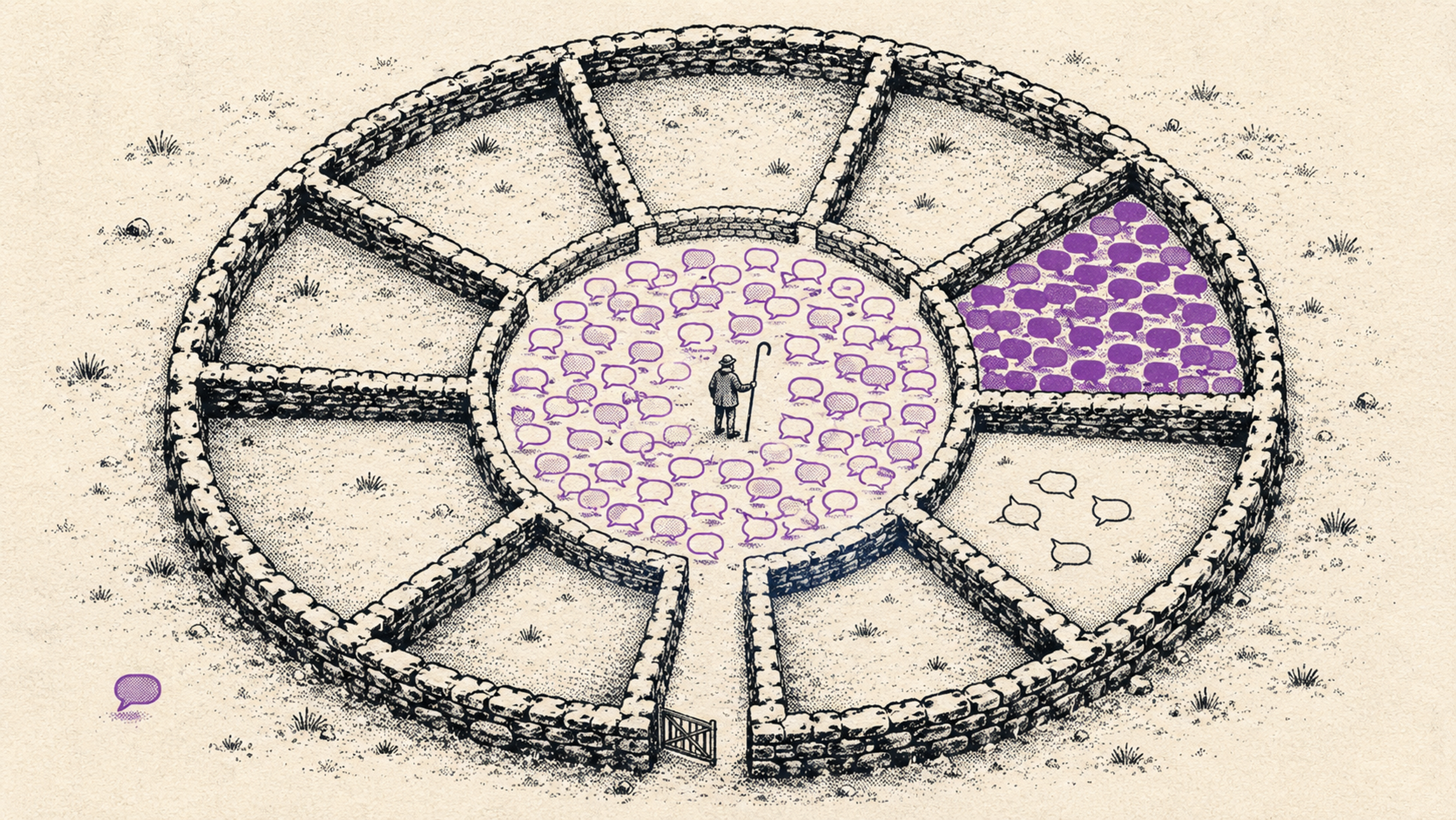
There's something magical about the moment a great idea for a team hangout bubbles up at work. Jónas, who lived in Finland for three years, and Lára, who's been training as a yoga teacher on the side all winter, want to invite anyone who's keen to a sauna-and-sea-dip evening down by the shore. But only 15 people fit, and there are 200 on the team. Better to just drop it?
Why drop it, though? It's a brilliant idea — exactly the kind of thing that pulls a team closer together.
All you need is Melda. Invite people, and write in the invitation that it's "first to RSVP, first served" for this one. Anyone who RSVPs after the spots are gone can join a waitlist in case something opens up.
That opens up a whole new dimension of grassroots, self-organized team events — and gives the people who care about your workplace culture room to do great things. All anyone has to do is pitch an event, set a guest limit, and send the invite.
Yes — Melda has capacity limits and waitlists on every event
You turn this on with the Limit attendance toggle in your event settings. Once it's on, you enter how many guests can come. Right below it you can switch on the waitlist with Waitlist when full.
When the count hits your limit, new RSVPs automatically land on a waitlist instead of being turned away.
So how does the waitlist work? First in, first off. The guest who RSVP'd first sits at the top, the next one is number two, and so on. To keep it fair — and to keep everyone clear on where they stand — Melda never hands out freed-up spots automatically. The host does that.
How do I move someone from the waitlist onto the guest list? Good question. Open the event's management view and scroll down to the section marked Guest list. There you'll see how many people are waiting — give it a click. The waitlist opens up with the names, and you hit Admit next to whoever should move over.
That guest gets a cheerful email letting them know they've made it off the waitlist and onto the guest list.
Waitlisted guests are never left guessing. They get an email when they sign up, plus reminders a week and a day before the event, so nobody turns up at the door by mistake. They can also take themselves off the waitlist in one click if they'd rather not keep waiting.
Waitlists come in handy more often than you'd think Courses and workshops, university field trips, letting people pick between breakout sessions at a conference, team trips where space is tight. Annual meetings often have a fixed number of seats — and the list goes on.
But the real point is this: put on great events. Entertain, connect, delight, train, or teach your people — and give everything you want to see grow and thrive your full attention.